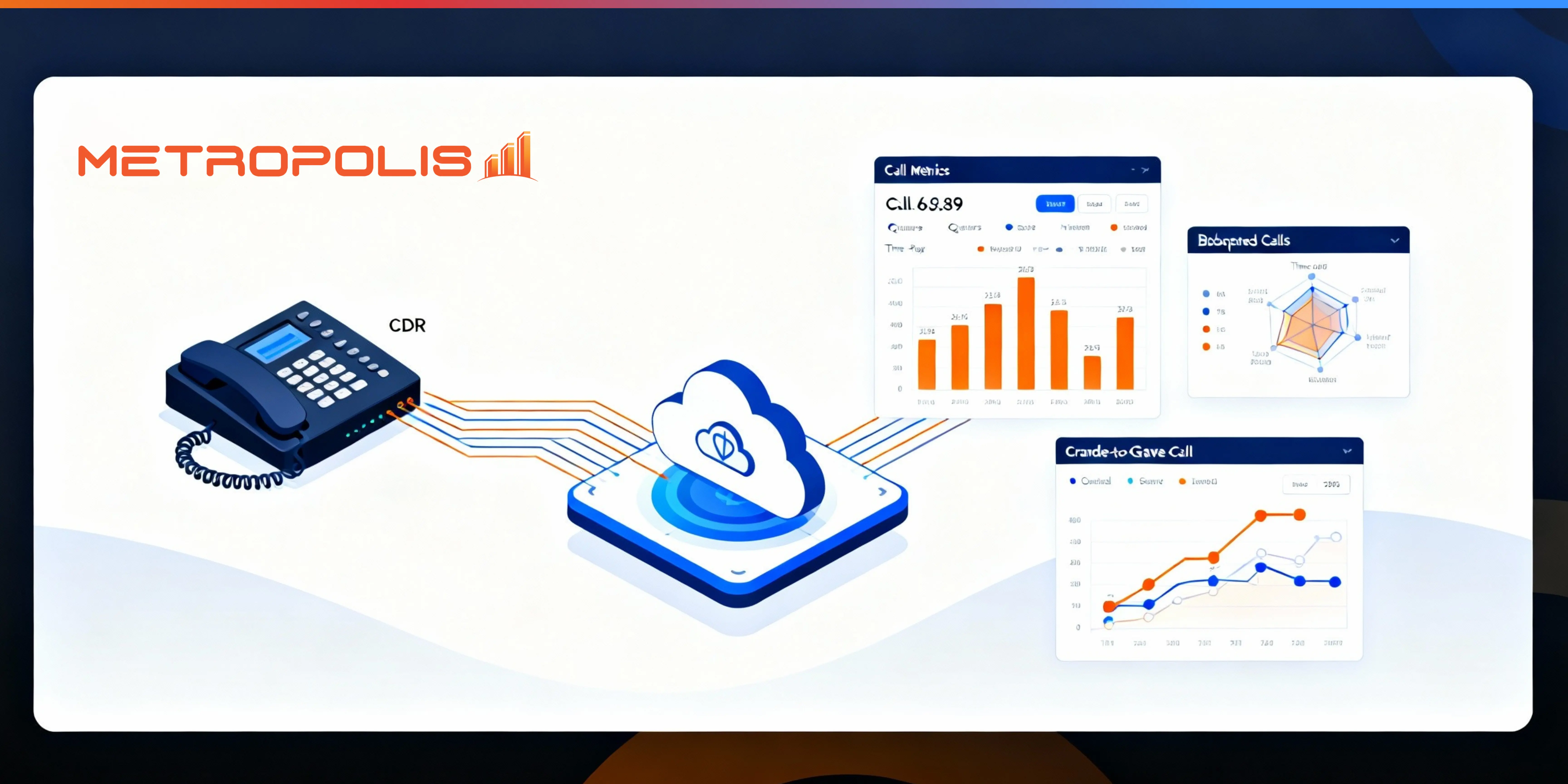
Native FortiVoice reports provide essential operational visibility but they rarely give administrators the long-term, strategic insights needed to improve customer experience, staffing, or call center performance.
While built-in tools are excellent for checking if a specific call connected, they fall short when you need to analyze multi-leg journeys, revenue impacts, or year-over-year trends. This guide explains how FortiVoice CDR data works, where native reporting limits exist, and how advanced analytics helps users extract real business intelligence.
FortiVoice Analytics refers to the process of collecting, retaining, correlating, and interpreting data from FortiVoice Call Detail Records (CDRs). While native reporting surfaces the "what," analytics surfaces the "why," "how often," and "what to do about it."
It allows administrators to understand patterns in:
Call performance and quality
Queue behavior and hold times
Agent activity and availability
Complete customer journeys (Cradle-to-Grave)
System health and trunk usage trends
A FortiVoice CDR includes key call attributes that are essential for troubleshooting. However, these fields become significantly more powerful when interpreted at scale by an analytics engine.
Caller / Called Number: Identifies the parties involved.
Call Legs: Tracks transfers, forwards, and IVR steps.
SIP Status & Hangup Cause: Reveals why a call ended (e.g., normal clearing vs. congestion).
Timestamps: Duration, ring time, and queue wait time.
Trunk / Route: Which external lines were utilized.
Reference: Fortinet publishes official CDR field details in the FortiVoice Admin Guide. View the official FortiVoice CDR documentation here.
FortiVoice’s native logs tell you what happened. Users still need advanced analytics to tell them what it means.
FortiVoice's built-in reports excel at answering immediate operational questions like "Did the call go through?" or "How long was the call?". However, they struggle with strategic questions involving multi-leg call journeys, abandonment root causes, and operational forecasting.
The difference between a log and intelligence is context.
| What FortiVoice Reports Provide | What They Cannot Easily Show |
|---|---|
| Basic call history (Linear lists) | Multi-leg cradle-to-grave journeys (Stitching transfers) |
| Simple call counts | Revenue impact of missed calls |
| Short-term log retention (Disk space limited) | Year-over-year trend comparison |
| Operational status | Staffing efficiency & agent load |
| Per-call detail | Predictive workload insights |
When a call travels through an Auto Attendant (IVR), enters a queue, rings three agents, and is finally transferred to a manager, FortiVoice logs record each of these "hops" as separate entries. This makes it difficult to see the full picture.
Analytics stitches all call legs together to show the complete customer path. This reveals exactly where delays occurred, which queues underperformed, and whether an abandoned call was due to wait time, routing failure, or agent unavailability.
Native logs show "unanswered," but not why. Advanced analytics can distinguish between queue abandonment (frustration) versus agent rejection. It allows you to assign a revenue value to every abandoned call and identify repeat attempts from the same caller.
FortiVoice allows administrators to set dial plans, but it doesn't visualize trends effectively. Analytics highlights trunk saturation, international dialing spikes, and fraud-like patterns (such as burst activity during off-hours) that could drain your budget.
FortiVoice agent statistics show totals, but not timing. Heat map congestion patterns reveal queue overload times and agent workloads throughout the day, helping you identify underutilized versus overutilized resources.
Pulling your FortiVoice CDRs into an external analytics tool is designed to work with the native architecture of FortiVoice Enterprise and Cloud systems.
FortiVoice CDR Push (Recommended): Configure the system to push CDRs over secure HTTPS to an analytics engine for immediate processing.
Syslog or RADIUS Stream: Useful for legacy environments requiring centralized log aggregation.
Automatic Buffering: FortiVoice queues CDRs if the connection becomes unavailable, preventing data gaps in your reports.
FortiVoice appliances are optimized for voice processing, not long-term storage. As data grows, old logs are overwritten. This creates significant challenges for industries with strict compliance requirements, such as Healthcare (HIPAA), Finance (SOX), and Legal sectors.
Analytics platforms built for retention allow for compliance-ready historical archives, full-text search across years of calls, and trend comparisons across teams, months, or seasons.
FortiVoice call center features become more strategic when paired with analytics. By applying intelligence to your queue data, you can unlock:
Queue backlog patterns: See when callers are waiting the longest.
Capacity mismatches: Compare peak call times against staffed agent schedules.
Transfer loops: Identify callers bouncing between departments without resolution.
IVR drop-off patterns: See where customers hang up in your menu system.
What is FortiVoice analytics used for?
It is used to interpret FortiVoice call patterns, optimize call center performance, identify operational bottlenecks, and track revenue impact.
Does FortiVoice store CDRs long-term?
Not typically. Data retention is limited to available storage on the appliance; old data is overwritten once the disk is full.
How do I get cradle-to-grave visibility for FortiVoice?
You need an external analytics platform capable of ingesting raw CDRs and correlating multi-leg calls into a single journey.
Can FortiVoice show abandoned call reasons?
Native reports usually just show "unanswered." Analytics can reveal if the abandonment was due to queue wait time, transfer loops, or lack of available agents.
Your FortiVoice system generates valuable CDR data every day. With analytics, you can finally use it to understand customer journeys, improve staffing, reduce abandoned calls, and maintain long-term compliance.
Don't let your data disappear. Transform your raw logs into strategic business intelligence.